


Publicado el 11 de marzo de 2026
Por Stephen Schifini
Sabemos lo importante que es tu smartphone para ti. Es lo que te permite trabajar, navegar por Internet y mantenerte en contacto con tus amigos y familiares. Así que, cuando se rompe la pantalla de tu teléfono, puede parecer el fin del mundo, ¡pero no te asustes! ¡El equipo de Cricket Wireless tiene algunos consejos para que la pantalla de tu teléfono quede como nueva en un abrir y cerrar de ojos!
¡Se rompió la pantalla de mi teléfono! ¿Qué debo hacer?
Aunque no se vea bien, una pantalla rota no tiene por qué ser el final de tu equipo. Mantén la calma y sigue estos pasos:
-
Primero protégete
Si bien debes proteger tu teléfono, tu seguridad es lo más importante. No deslices los dedos directamente sobre la pantalla, ya que podrías cortarte con el vidrio. Aplica cinta adhesiva o usa un protector de pantalla como solución temporal y continúa con los siguientes pasos. - Haz una copia de seguridad de tu teléfono
Aunque tu teléfono funcione, guarda una copia de seguridad de inmediato. Una pantalla dañada puede causar problemas inesperados (píxeles muertos, fallas táctiles o pantalla completamente apagada). Respaldar tu información protege tus fotos, mensajes, contactos y datos. - Evalúa el daño
Si notas que la pantalla está hinchada, muy caliente o el teléfono tiene un olor extraño, deja de usarlo de inmediato (puede ser un problema de batería) y llévalo a revisión cuanto antes. - ¡Evita empeorar el daño!
No toques la zona rota, ya que podría extenderse. Además, es de vital importancia que mantengas el teléfono seco. La humedad puede filtrarse por las grietas y causar daños permanentes.
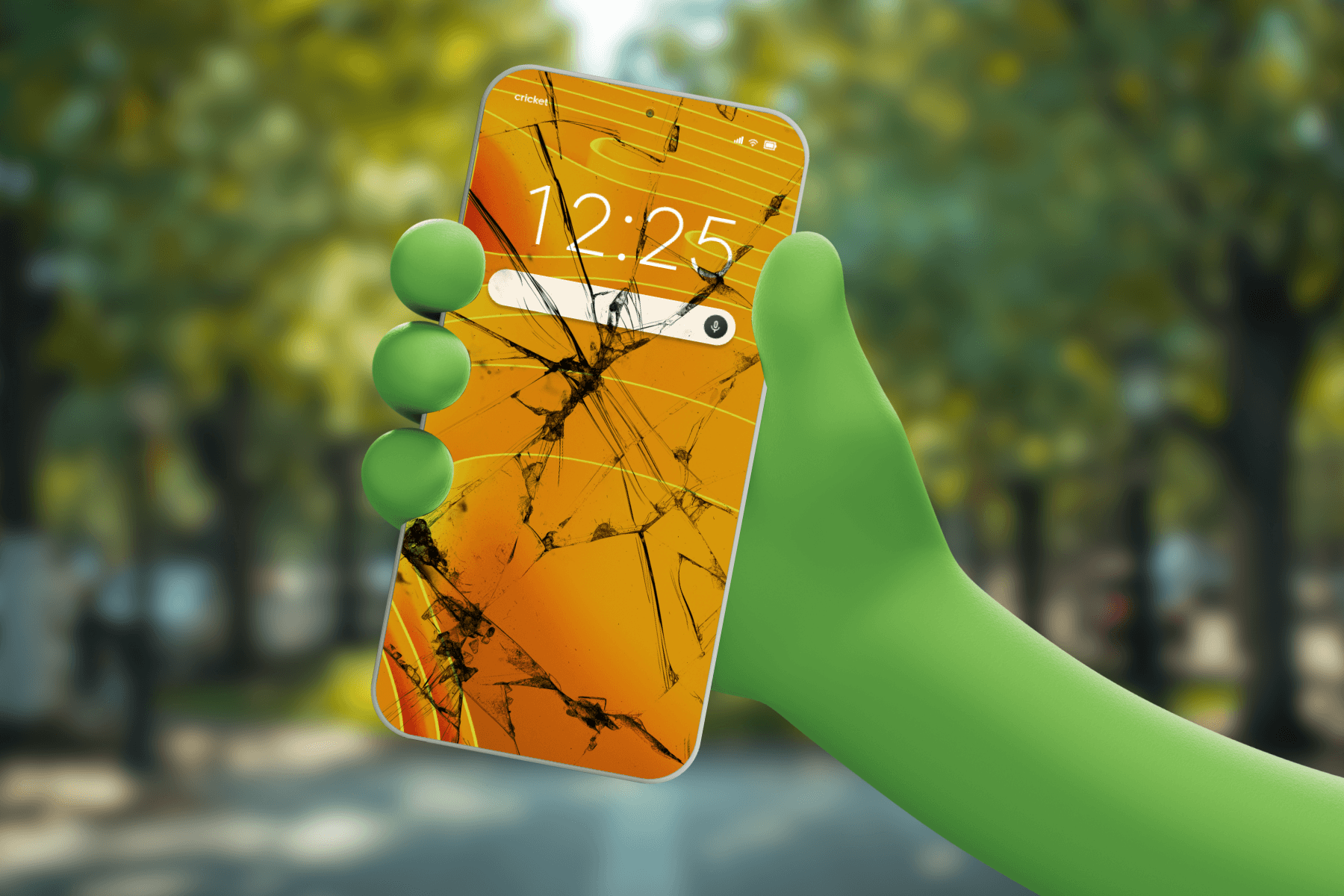
¿Cómo reparo mi teléfono?
No te preocupes, hay solución. Si tu teléfono necesita reparación, evalúa las opciones y elige la que mejor se adapte a ti. Te dejaremos algunos consejos que te ayudarán. Considera las siguientes opciones:
- Servicio del fabricante o técnico autorizado: la opción más confiable para una reparación de calidad, aunque puede ser más costosa y puede tardar más tiempo.
- Tienda local: ¿Conoces a alguien? Las tiendas locales suelen ser más económicas y rápidas. Busca un técnico de confianza cerca de ti.
- Repararlo tú mismo: no lo recomendamos, a menos que tengas experiencia reparando smartphones. Los smartphones actuales son delicados y fáciles de dañar. Solo deberías confiar en un profesional.
- Reemplazar tu teléfono: finalmente, si se han agotado todas las demás opciones, es posible que debas reemplazar tu equipo. Si el daño va más allá de la pantalla (por ejemplo, batería o enmarcado), reparar puede costar casi lo mismo que uno nuevo. En ese caso, necesitarás un equipo nuevo. Consulta con tu proveedor para ver si calificas para un crédito o cambio.
¿Cuál es la mejor manera de evitar que se rompa la pantalla del teléfono?
Si bien existen algunas opciones por considerar si la pantalla de tu teléfono está rota, la mejor manera de reparar una pantalla es evitando el accidente en primer lugar. Aunque no se pueden prevenir todos los accidentes, aquí hay algunos consejos para reducir el riesgo y limitar los daños de accidentes comunes con smartphones antes de que ocurran.
Organiza y personaliza tu teléfono¡Tienes un smartphone nuevo y reluciente, como recién salido de la caja y sin una sola grieta ni imperfección! ¡Mantenlo así! Estos accesorios son esenciales para prolongar la apariencia y la vida útil de tu pantalla.
- Protector de pantalla de vidrio templado
¡Esta es tu primera línea de defensa! Estos protectores absorben impactos y rayones, protegiendo la pantalla de tu teléfono. - Elige un estuche resistente a los golpes
Opta por estuches con bordes elevados o con alta protección. El estuche adecuado puede reducir el impacto si se te cae el teléfono.
Mantén tu rutina de limpieza de pantalla
Limpiar la pantalla de tu teléfono regularmente no solo restaura su brillo, sino que también elimina la suciedad y las partículas diminutas que pueden rayarla con el tiempo. Usa un paño de microfibra seguro para la pantalla. Evita usar toallas de papel, limpiacristales o productos químicos agresivos, incluso si tienes un protector de pantalla.
Una pantalla perfecta comienza en casa
Aquí tienes algunos hábitos sencillos que puedes incorporar en casa para proteger tu smartphone.
- Evita el bolsillo trasero
Sentarte con el teléfono en el bolsillo trasero es la receta perfecta para que se agriete. Los bolsillos delanteros están ahí por algo: ¡úsalos! - Usa compartimentos acolchados en bolsos o carteras
Guarda tu teléfono por separado en un área acolchada para evitar rayones y la presión sobre la pantalla. Evita guardarlo suelto en mochilas o carteras, ya que el contenido puede moverse y chocar con otros objetos. - Evita temperaturas extremas
El calor o el frío extremos pueden debilitar la pantalla y hacerla más propensa a agrietarse. Mantén tu teléfono a temperaturas moderadas para una mayor protección. Evita dejar tu teléfono bajo la luz solar directa, en el alféizar de la ventana, en la piscina o en la playa. En invierno, evita dejarlo en el coche durante la noche o mientras realizas actividades al aire libre como esquiar, hacer snowboard o deslizarte en trineo. - ¡Cuidado con el cable!
¡No cargues tu teléfono con un cable largo! El cable puede tirar del teléfono y hacer que se caiga al suelo. No cargues tu teléfono sobre encimeras altas, evita los cables largos sin enrollar y no lo cargues en zonas con mucha circulación de gente. ¡Y lo que es más importante, puedes tropezar con el cable y lastimarte! Coloca tu teléfono en una base de carga cuando necesite recargarse o asegúrate de que esté enchufado con el cable bien sujeto y en un lugar donde no estorbe.
¿Debería considerar un seguro para el teléfono o un plan de protección?
Los planes de protección para teléfonos y los seguros pueden cubrir las reparaciones de la pantalla de tu teléfono. Comprueba qué opciones ofrece tu proveedor.
- Si tienes seguro para el teléfono, averigua específicamente qué está cubierto y qué no.
- Asegúrate de comprobar si la pantalla de tu teléfono está cubierta antes de que tengas un accidente.
- Los clientes de Cricket pueden añadir Protección de Cricket a cualquier plan mensual Unlimited.
¡No te preocupes!
Una pantalla rota es molesta, pero no tiene por qué ser una catástrofe. Toma algunas medidas preventivas (protector, estuche resistente, almacenamiento inteligente) y, si se produce una rotura, prioriza la seguridad, guarda una copia de seguridad de tus datos de inmediato y decide si te conviene más reclamar o reparar el dispositivo. Con un poco de preparación y una acción rápida, podrás volver a navegar, enviar mensajes y ver contenido en streaming con tranquilidad, sin preocupaciones.